
Best Page Builder Plugin for WordPress in 2026
You opened WordPress, stared at a blank page, and felt nothing but dread.
Sound familiar? You know what you want your site to look like: clean sections, bold headlines, a pricing table that doesn’t look like a spreadsheet accident. But the default Gutenberg editor feels like building a house with kindergarten blocks.
That’s exactly why page builder plugins exist. And in 2026, the Gutenberg-native ones have gotten seriously good.
Here’s what the numbers tell us: WordPress now powers over 43% of all websites on the internet, which is nearly half the web. And according to recent data, the top three most downloaded plugin categories in 2025 were SEO, eCommerce, and page builders. Demand for visual design tools inside WordPress is at an all-time high.
So, which page builder plugin is actually worth installing in 2026?
This guide covers the 5 best Gutenberg block plugins, real tools with real users, benchmarked on features, performance, and value. No fluff. Just what you need to make the right call.
Why Gutenberg-Native Page Builders Beat Legacy Builders in 2026
Before the list, here’s something worth understanding: there’s a real difference between a traditional drag-and-drop builder (like the classic Elementor or WPBakery) and a Gutenberg-native block plugin.
Legacy builders load their own editor on top of WordPress. That adds bloat, slows your site, and often breaks with theme updates. Gutenberg-native plugins work inside the block editor that WordPress ships with, which means leaner code, better compatibility, and faster load times.
In 2026, Full Site Editing (FSE) is no longer an experiment it’s the standard. Over 75% of new WordPress themes now use FSE. If your page builder doesn’t support it, you’re building on yesterday’s foundation.
Gutenberg block plugins close this gap elegantly: they extend what’s already there, rather than replacing it.
What to Look for in a WordPress Page Builder Plugin
Not all block plugins are equal. Before diving into the picks, here’s the honest checklist that separates a good plugin from a great one:
- Block variety: Does it cover the blocks you actually need, not just fancy demos?
- Performance footprint: Does it slow your site down? Core Web Vitals matter for SEO.
- Full Site Editing support: Can you build headers, footers, and custom templates?
- Template library: Can you import a real page in one click?
- Popup and form builder: Bonus tools that save you installing extra plugins.
- Pricing: Free tier should be generous. Premium should be worth it.
With that lens, here are the five best.
The 5 Best Gutenberg Page Builder Plugins for WordPress in 2026
1. aBlocks – The Most Complete Gutenberg Block Plugin
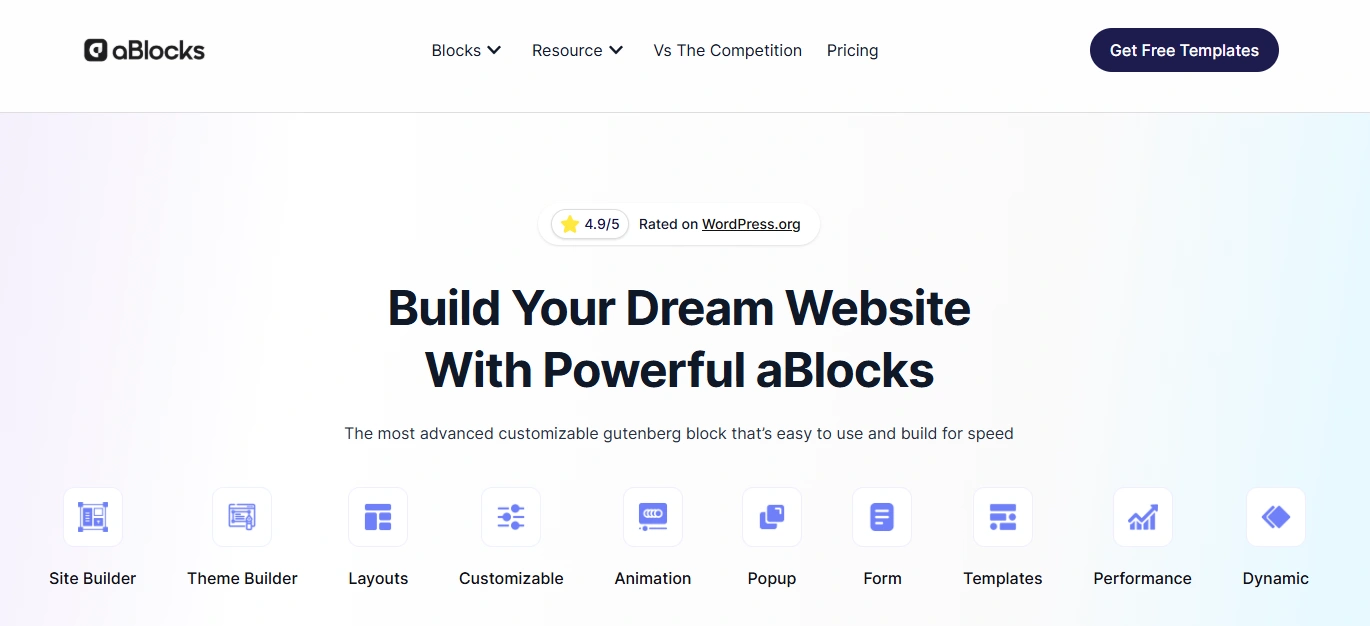
? Website:ablocks.pro ? Rating: 5.0 / 5.0 (WordPress.org) ? Pricing: Free | Pro starts from $49/year
If there’s one Gutenberg plugin in 2026 that’s doing something genuinely different, it’s aBlocks. Built from the ground up to be both powerful and lean, it turns the native block editor into a full-stack site builder without the performance penalty that most heavy builders bring.
What makes aBlocks stand out?
aBlocks offers a complete library of fully customizable blocks from basic headings and buttons to advanced pricing tables, PayPal buttons, and carousels. And here’s the part that will surprise you: all blocks are free. No essential-feature-locked-behind-paywall approach here. You get the whole toolkit upfront.
But the real differentiators go deeper:
- User Dashboard Builder: Design custom login, registration, and account pages directly inside Gutenberg. Build full frontend dashboards for LMS students, WooCommerce customers, or SaaS users without touching a line of code. No other Gutenberg plugin does this out of the box.
- GSAP-Powered Animations: Professional-grade scroll, hover, floating, and mouse animations. Smooth, performant, and entirely visual to configure.
- Popup Builder: Create smart popups triggered by time, click, or hover. No third-party plugin needed.
- Figma to WordPress: Copy a design from Figma and paste it directly into WordPress. Style-perfect. One click.
- Mega Menu Builder: Build simple and mega menus with mobile and desktop control.
- Full Site Editing Support: Customize headers, footers, and templates with complete layout override capabilities.
- One-Click Import: Import full websites, pages, or patterns instantly with no third-party tools.
- SEO and Performance First: aBlocks follows clean code standards, integrates with Yoast and Rank Math, and doesn’t load unnecessary scripts.
Real users building e-learning platforms, WooCommerce stores, and membership sites are switching to aBlocks precisely because it replaces three or four separate plugins at once. One plugin, one settings panel, one consistent experience.
The Pro plan starts at just $49/year making it one of the most affordable full-featured Gutenberg builders available right now.
Best for: Agencies, freelancers, course creators, WooCommerce store owners, and anyone who wants a one-plugin site-building stack without compromise.
2. Spectra – Best for Beginners Who Want Speed
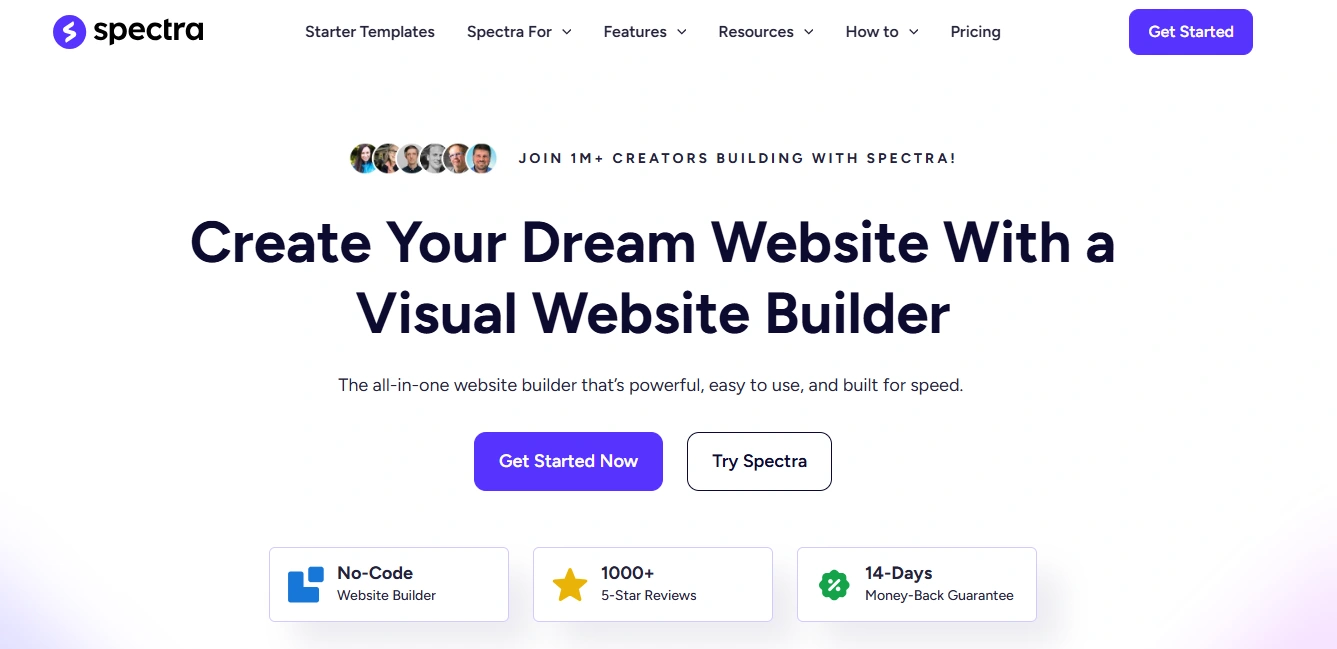
? Website: wpspectra.com ? Rating: 4.7 / 5.0 ? Active Installs: 1 million+ ? Pricing: Free | Pro starts from $69/year
Spectra, built by Brainstorm Force, the team behind the Astra theme, is the most-installed dedicated Gutenberg block plugin with over 1 million active installations. That’s not an accident.
It’s clean, fast, and genuinely beginner-friendly. The 2026 update expanded its free block library to 30+ blocks and introduced starter template kits one-click imports of complete multi-page websites with Home, About, Services, and Blog pages pre-populated and styled.
Spectra’s DOM footprint is notably lean, generating fewer elements than many competitors, which translates to faster page rendering, especially on shared hosting.
Key features:
- 30+ free, customizable blocks
- Full-site starter kits with one-click import
- Popup builder included in the free version
- Compatible with any WordPress theme
- Clean markup, optimized for Core Web Vitals
- AI-powered design assistance (via ZipWP integration in Pro)
Spectra got a Plugin Security Certificate (PSC-2026-64636) from CleanTalk in 2026, confirming it meets modern production security standards a trust signal worth noting.
Best for: Beginners, bloggers, and small business owners who want a polished site quickly without a steep learning curve.
3. Kadence Blocks – Best for Design Flexibility
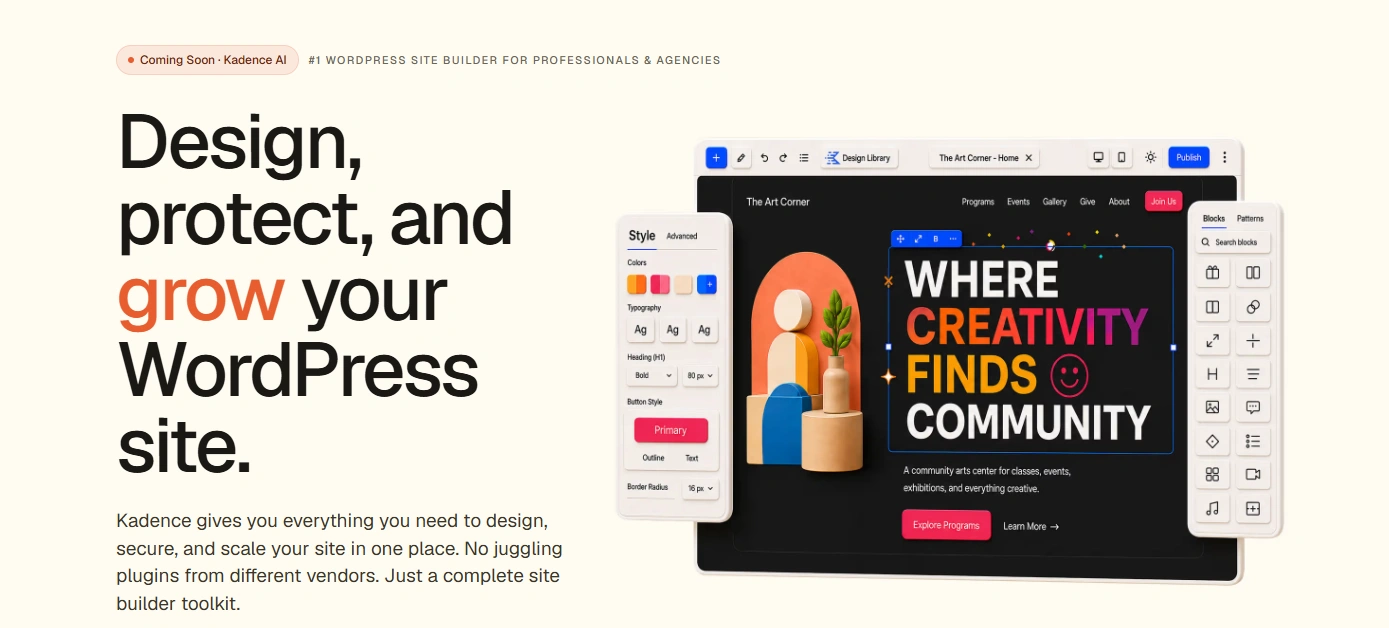
? Website: kadencewp.com ? Rating: 4.9 / 5.0 ? Active Installs: 600,000+ ? Pricing: Free | Pro from $99/year
Kadence Blocks takes a different philosophy: maximum design control. Where Spectra leans on simplicity, Kadence leans on flexibility. Its block customization panel is more granular than almost anything in the Gutenberg space padding, margin, typography, breakpoints, hover states all accessible without touching CSS.
Its Pro tier introduces AI-powered site generation through a complete site-building experience that goes well beyond block additions. If you’re the type who wants to tweak literally everything about how your site looks, Kadence Blocks gives you the knobs to do it.
Key features:
- 600,000+ active users and growing
- Deep design control per block, per breakpoint
- Advanced typography and spacing tools
- WooCommerce-ready blocks
- AI site generation in Pro
- Global color palettes and font management
At $99/year for Pro, it’s the most expensive on this list but agencies and designers who need pixel-level control often find it worth every dollar.
Best for: Designers, developers, and agencies building bespoke, highly customized client sites.
4. Essential Blocks – Best Value for Developers
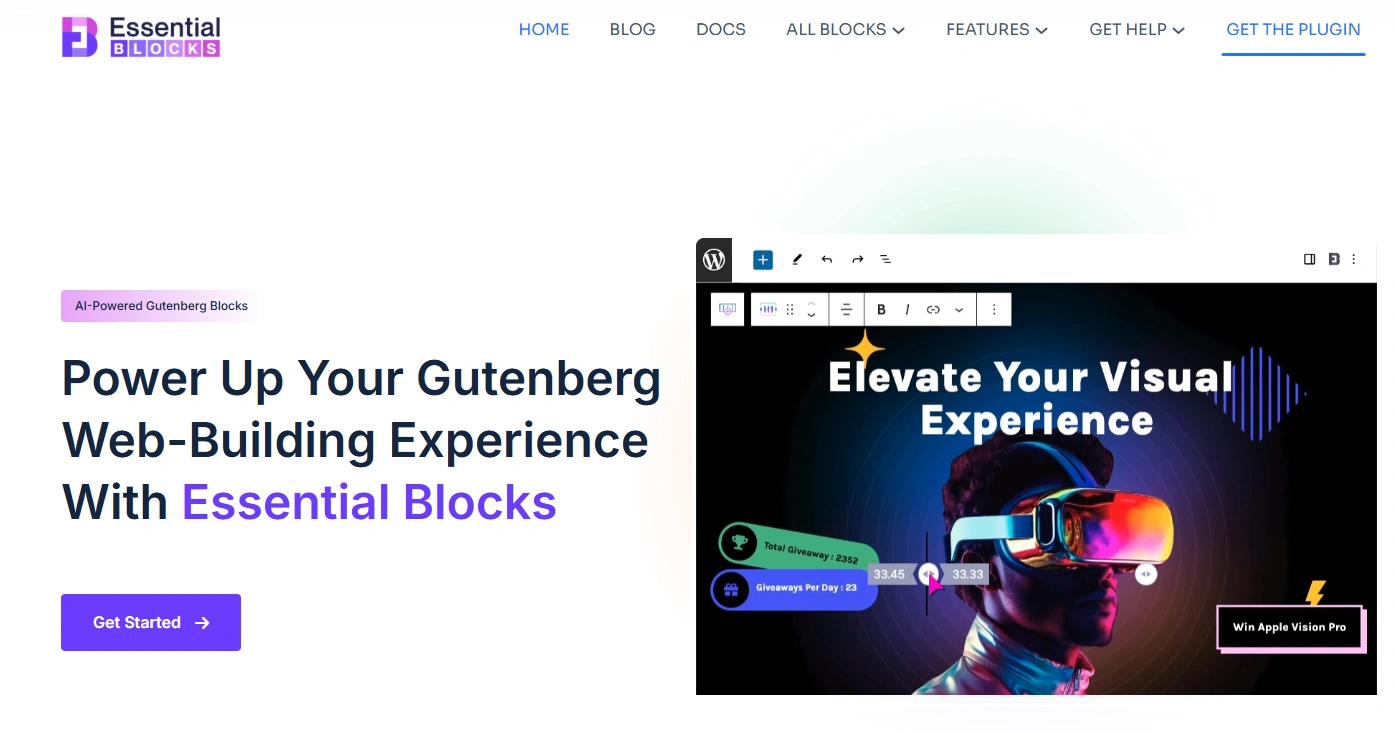
? Website: essential-blocks.com ? Rating: 4.9 / 5.0 ? Pricing: Free | Pro starts from $49/year
Essential Blocks is a product of WPDeveloper and punches well above its weight. It offers a well-rounded collection of blocks covering content, interactive, and marketing use cases all inside the native Gutenberg editor.
What earns it a spot on this list is the combination of quality blocks and accessible pricing. The free version is generously capable, and the premium tiers are priced to attract individual users and small teams not just enterprise buyers.
Key features:
- Advanced blocks for post grids, testimonials, pricing tables, and interactive tabs
- Template library with direct import
- Responsive controls per device
- Integrates with WooCommerce and major form plugins
- Clean, readable code output
Essential Blocks is a strong choice for developers who want an extensible, developer-friendly toolkit that doesn’t compromise on end-user design experience.
Best for: WordPress developers, freelancers building client sites, and users wanting a broad block library at a fair price.
5. Stackable – Best for Content-Heavy Sites
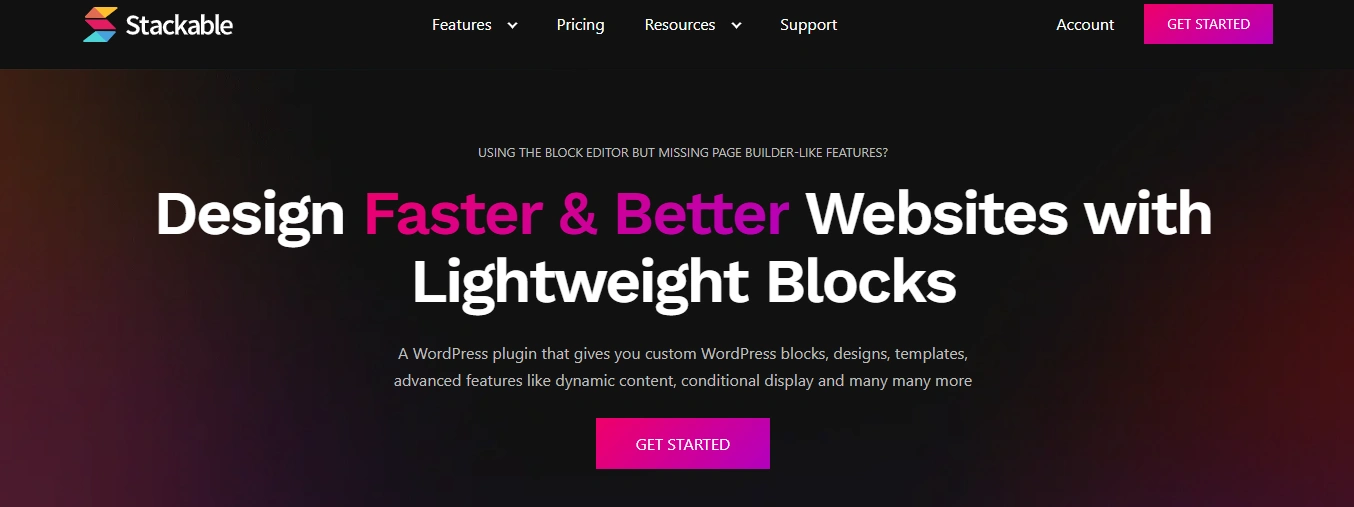
? Website: wpstackable.com ? Rating: 4.8 / 5.0 ? Pricing: Free | Pro from $49/year
Stackable has carved out a niche with content-heavy websites blogs, publications, and portfolio sites where layout variety matters as much as performance. It offers more custom blocks than almost any plugin on this list, but its settings panel has a slightly steeper learning curve than, say, Spectra.
The upside? Once you know it, Stackable gives you extreme layout control especially for multi-column designs, content timelines, and feature sections that would otherwise require custom CSS.
Key features:
- Large library of custom blocks
- Advanced column and section controls
- Content timeline block for storytelling layouts
- Full-width hero sections with background overlays
- Global typography and color settings
At $49/year for Pro, Stackable sits in the mid-range solid value for sites that prioritize rich content presentation.
Best for: Bloggers, magazines, portfolios, and content-first websites that need flexible layout variety.
Plugin Comparison Table
| Plugin | Active Installs | Free Blocks | FSE Support | Popup Builder | Pro Pricing |
| aBlocks | Growing fast | All blocks free | Yes | Yes | From $49/year |
| Spectra | 1 million+ | 30+ | Yes | Yes | From $69/year |
| Kadence Blocks | 600,000+ | Good selection | Yes | Limited | $99/year |
| Essential Blocks | 100,000+ | Generous | Yes | No | From $69/year |
| Stackable | 100,000+ | Large library | Yes | No | $49/year |
The Verdict: Which Page Builder Plugin Should You Choose?
Here’s the honest summary:
If you want the best all-around Gutenberg page builder in 2026, aBlocks is the one. It’s the only plugin on this list that combines a full block library (all free), popup builder, user dashboard builder, GSAP animations, Figma-to-WordPress workflow, mega menu builder, and Full Site Editing support all under one roof, at a starting price of $49/year that undercuts nearly everything else in this space.
aBlocks not just a collection of blocks. It’s a complete site-building system built natively for the way WordPress actually works in 2026.
Spectra is the right call if you’re a beginner who wants to get a site live fast. Kadence Blocks earns its place for agencies who need precision. Essential Blocks and Stackable are solid, honest choices for specific use cases.
But if you’re building something serious a course platform, a membership site, a WooCommerce store, or a client project that needs to look like it costs five times what it does aBlocks gives you more at every price point.
Frequently Asked Questions
For pure ease of use, Spectra is the most beginner-friendly with its one-click template kits. But if you want more power from day one including popup building, dashboard creation, and advanced animations aBlocks offers all its blocks for free and covers significantly more ground.
Both Spectra and aBlocks are built with performance as a core priority. aBlocks doesn’t load unnecessary scripts by default, and Spectra’s lean DOM output has been benchmarked favorably against competitors. Either will keep your Core Web Vitals scores healthy.
Absolutely. All five plugins on this list are built for no-code use. Everything is drag-and-drop inside the native WordPress editor no shortcodes, no custom CSS required.
aBlocks integrates natively with StoreEngine and WooCommerce, and includes blocks specifically built for eCommerce product displays, PayPal buttons, and user dashboard pages for customer accounts. Kadence Blocks also has strong WooCommerce block support.
For site performance, yes Gutenberg-native plugins load fewer resources and integrate with WordPress core more cleanly. Elementor is still widely used (active on over 15 million websites as of 2025 per SQ Magazine), but the gap in feature quality between Elementor and the best Gutenberg block plugins has closed significantly in 2026.
Yes. aBlocks is fully compatible with WordPress’s Full Site Editing and provides complete theme-building features, including headers, footers, and template customization entirely within Gutenberg.
If you found this article informative, consider reading.
Leave a Reply